
No account required
Join with an invitation instead of a phone number or email address.
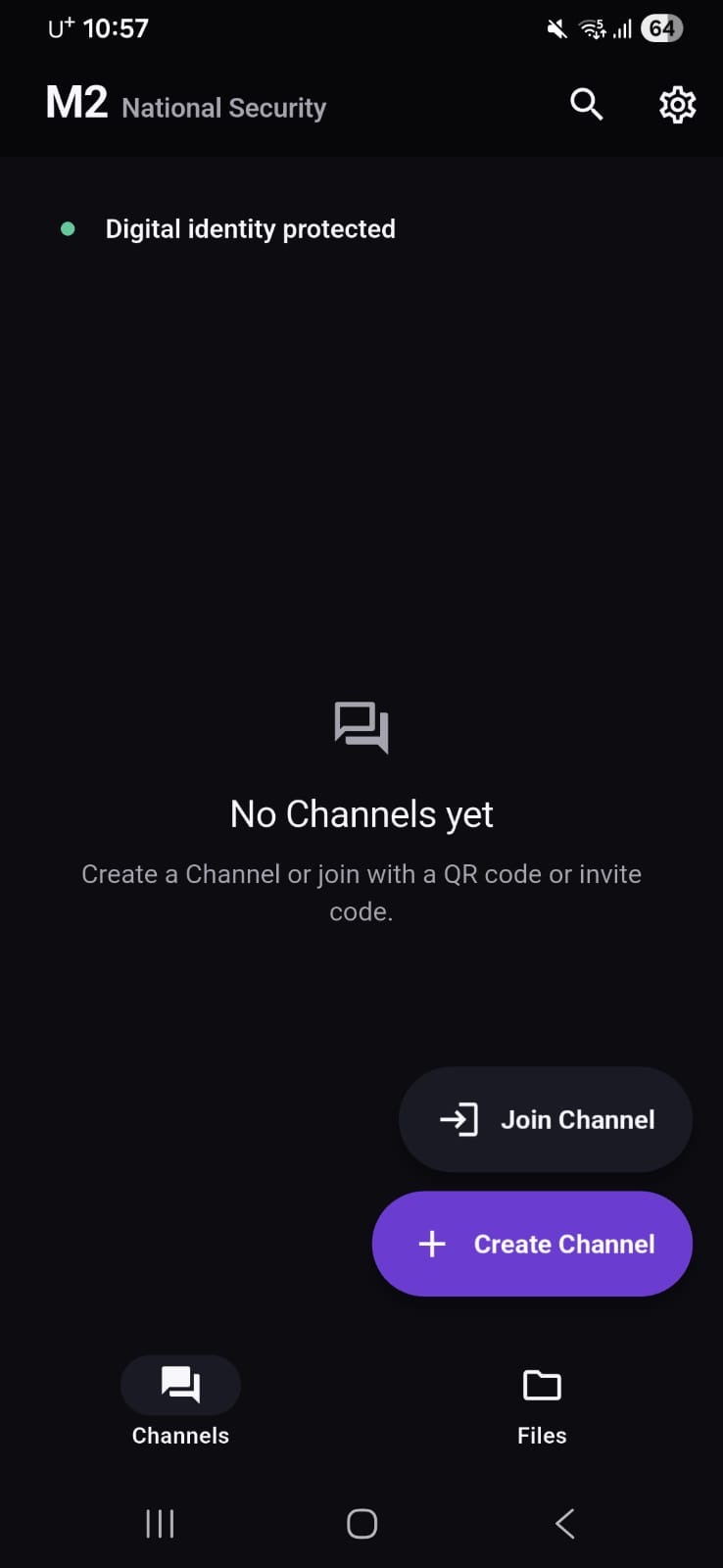
Create a private Channel for your team and exchange end-to-end encrypted messages, voice notes, and files without signing up with a phone number or email address.
For Android 13 and later
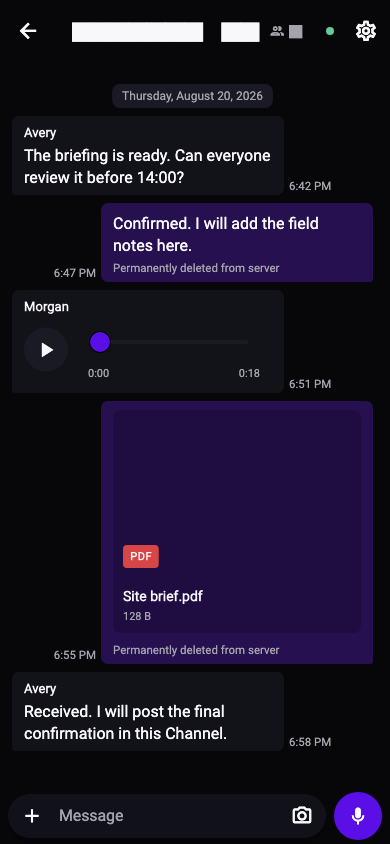
Channels
Keep each project separate. Invite only the people who need access, then let the Channel expire or renew it when the work continues.
See how Channels work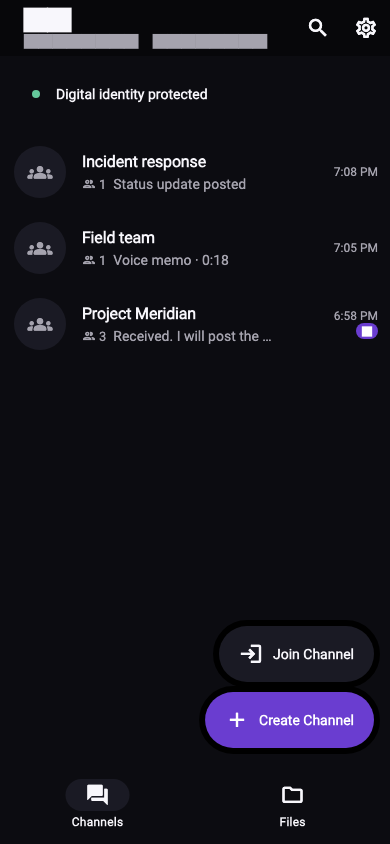
Join with an invitation instead of a phone number or email address.
Messages and supported files are encrypted on your device.
Messaging traffic reaches M2 through a v3 Onion Service.
Encrypted copies are removed after delivery or within 48 hours.
Getting started
New to Android APKs? Follow the official source and filename checks, complete Android’s prompts, then create or join a private Channel.
Open the full step-by-step guideConfirm M2-Android-arm64.apk comes from downloads.mirageproject.org before continuing.
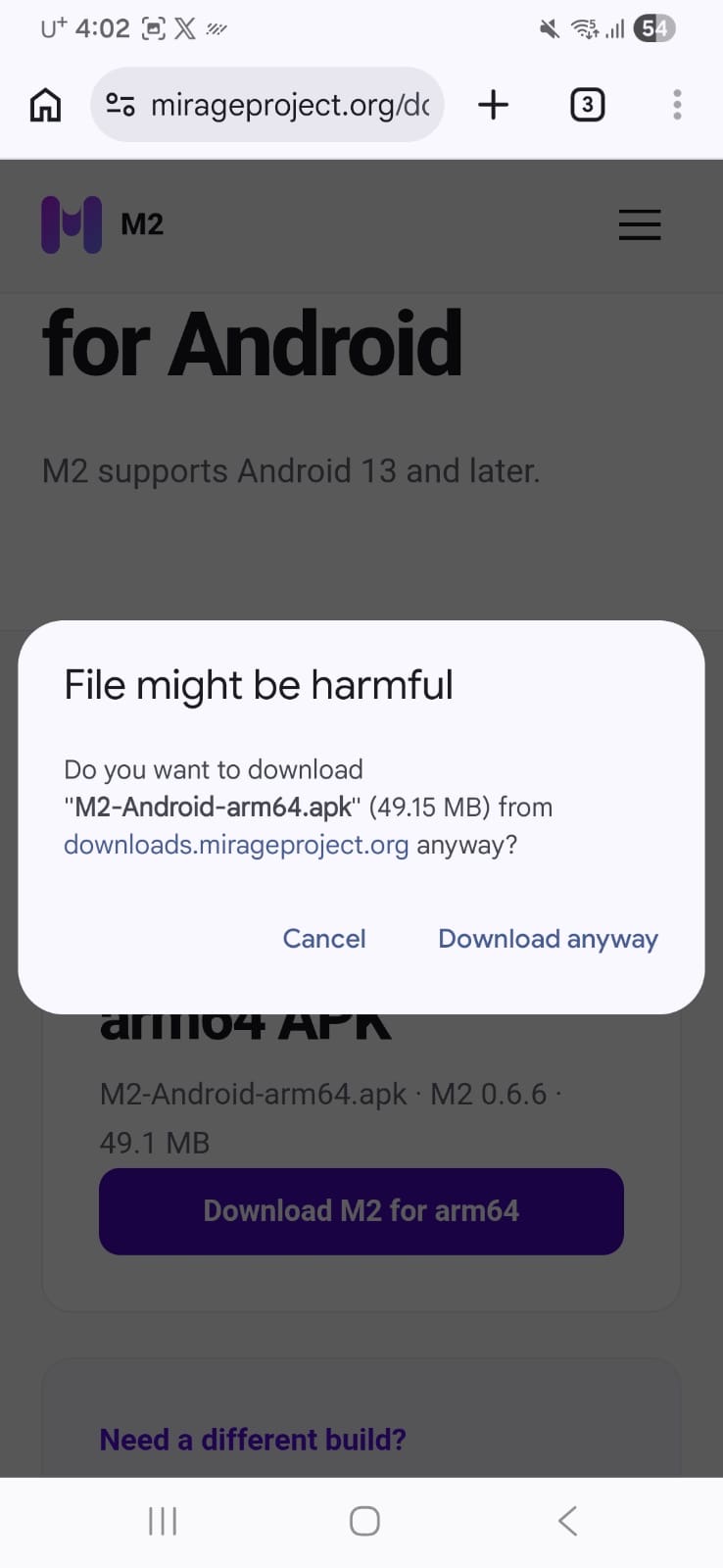
Android identifies the app as M2. Keep Play Protect enabled and use a scan when your device offers one.
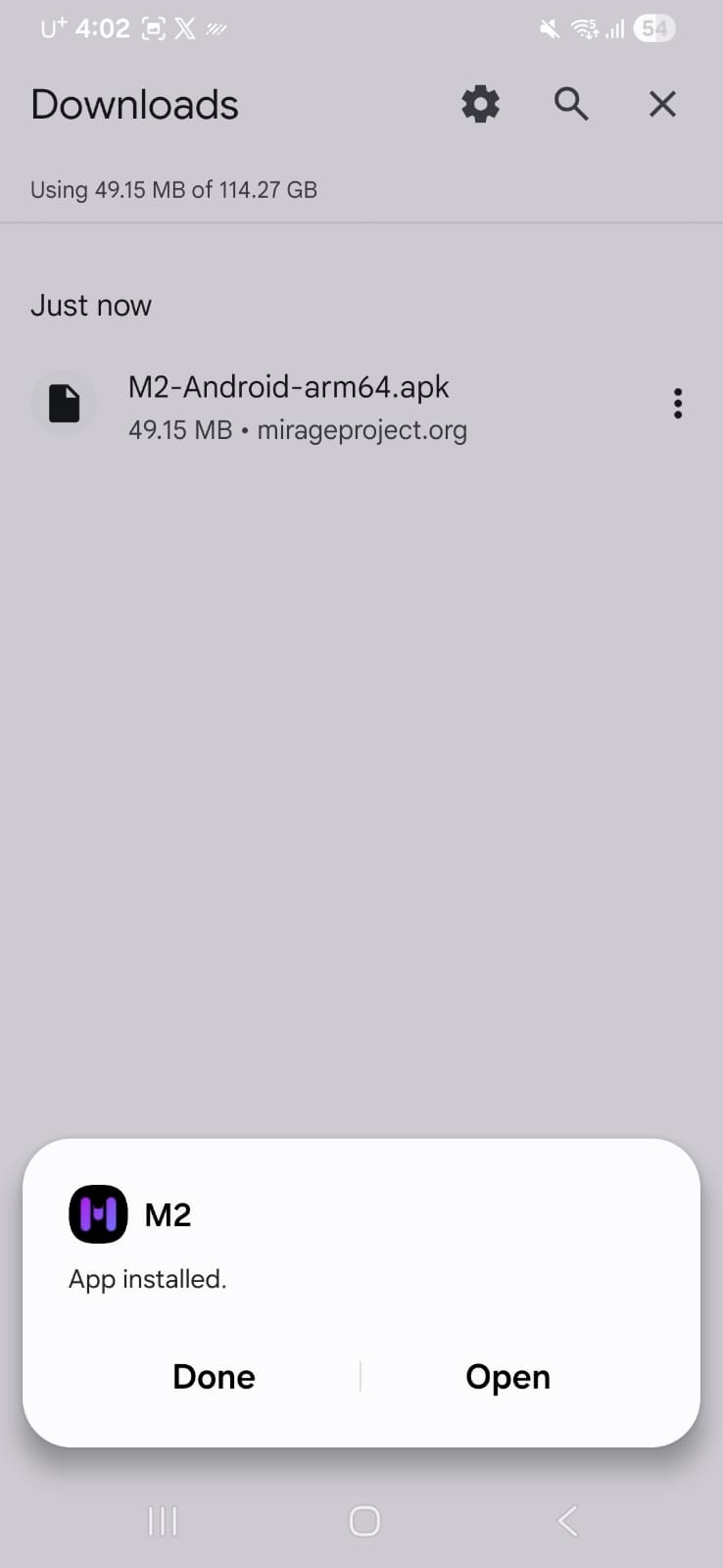
Wait for the protected connection, then create a new Channel or join one with a private invitation.
Messaging and files
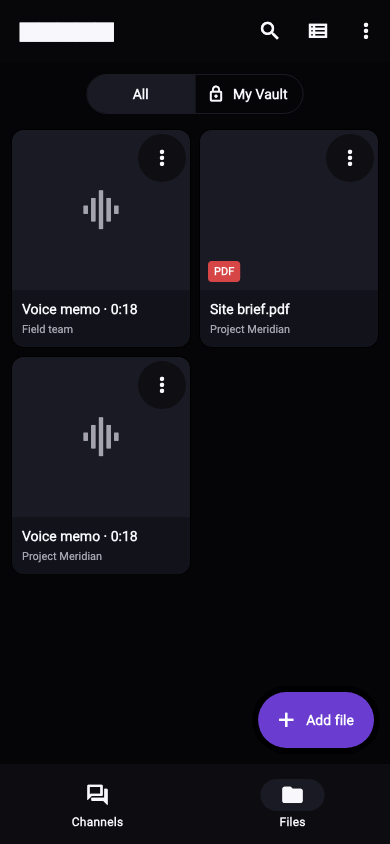
Share what the team needs inside the Channel. Voice messages and received files stay easy to find without mixing the work into personal accounts.
See M2 featuresSecurity
M2 does not require a global user profile. Messages are encrypted on the device, messaging is routed through Tor, and encrypted server copies are kept only long enough for delivery.
Download M2 and create a private Channel for your team.